Outgoing documents
Version: v2.0
Outgoing validations
In this section, you will find a more-in-depth explanation on how outgoing documents are handled in Extractional.
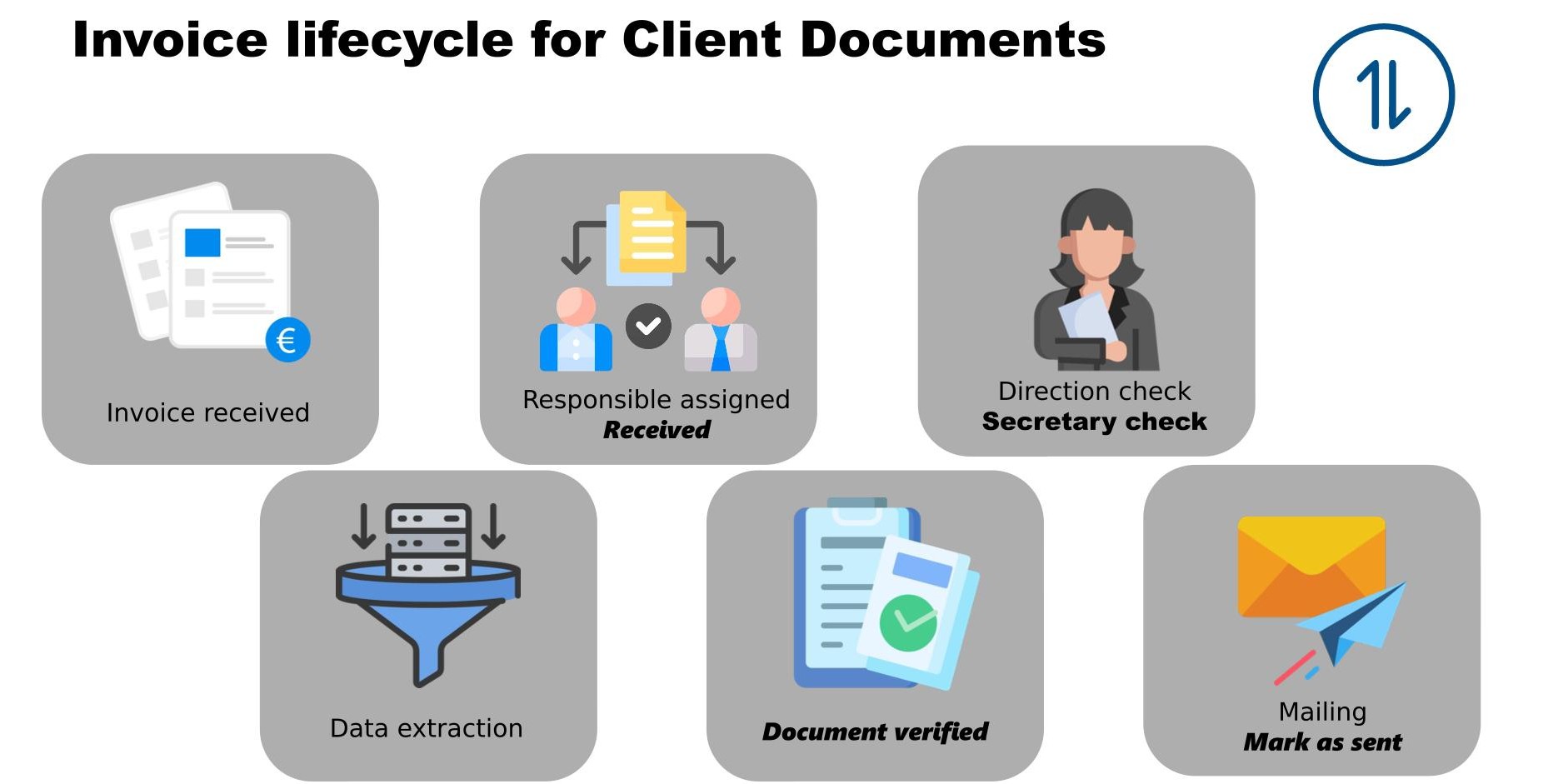
Different states
| State | Meaning | Responsible for the action |
|---|---|---|
| Reveived | Document just entered teh system and no verification have been done to it | Email automation or user inserting a new document |
Verified |
Document has been verified by the respective responsible | Typically the project manager |
Document sent |
Document has been sent to the client | Secretary |
Paid |
Invoice has been payed by the client | Accounting department |
Rejected |
Invoice has been refused internally or by the customer | all the above |
Specific functionalities about incoming documents
Sending an invoice to the customer
Extractional provides a feature allowing users to easily send an invoice to the respective customer for payment.
Warning
This feature only works when the Smtp configuration has been correctly set. You can find more information in the following section
How to send an email to the customer
In order to trigger this action for a specific validation, you will select it in the context for the respective validation. Alternatively, you also have the option to trigger this action by clicking on the Send to customer button in the validation preview page.
Note
Only verified validations can be sent to customers!!
Typical workflow
On the following page, you may find typical workflows that have been used by our customers with outgoing documents. These should help you organizational wise on how to take the most advantage of the system, but should not be referred as rules within the system.